Introduction
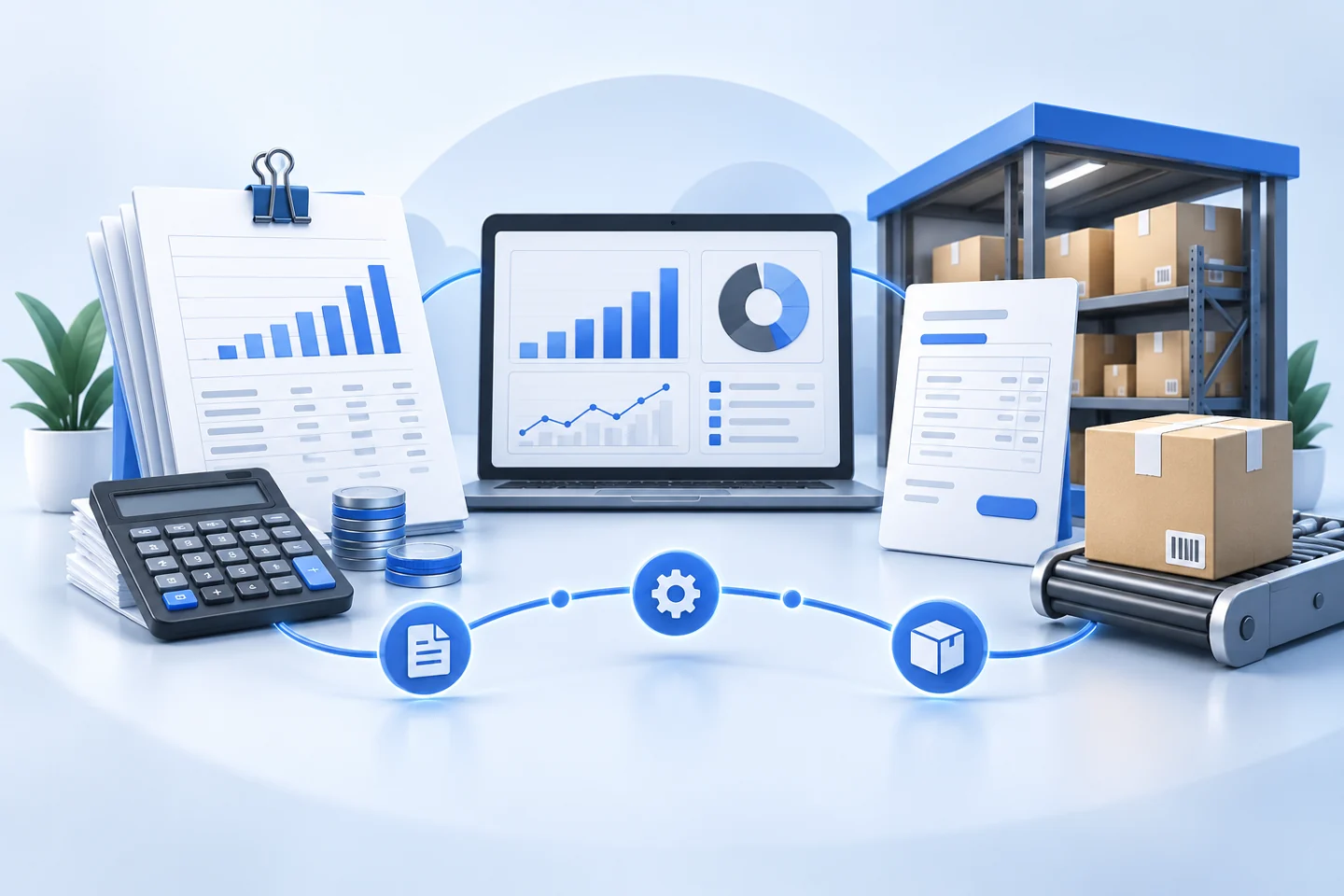
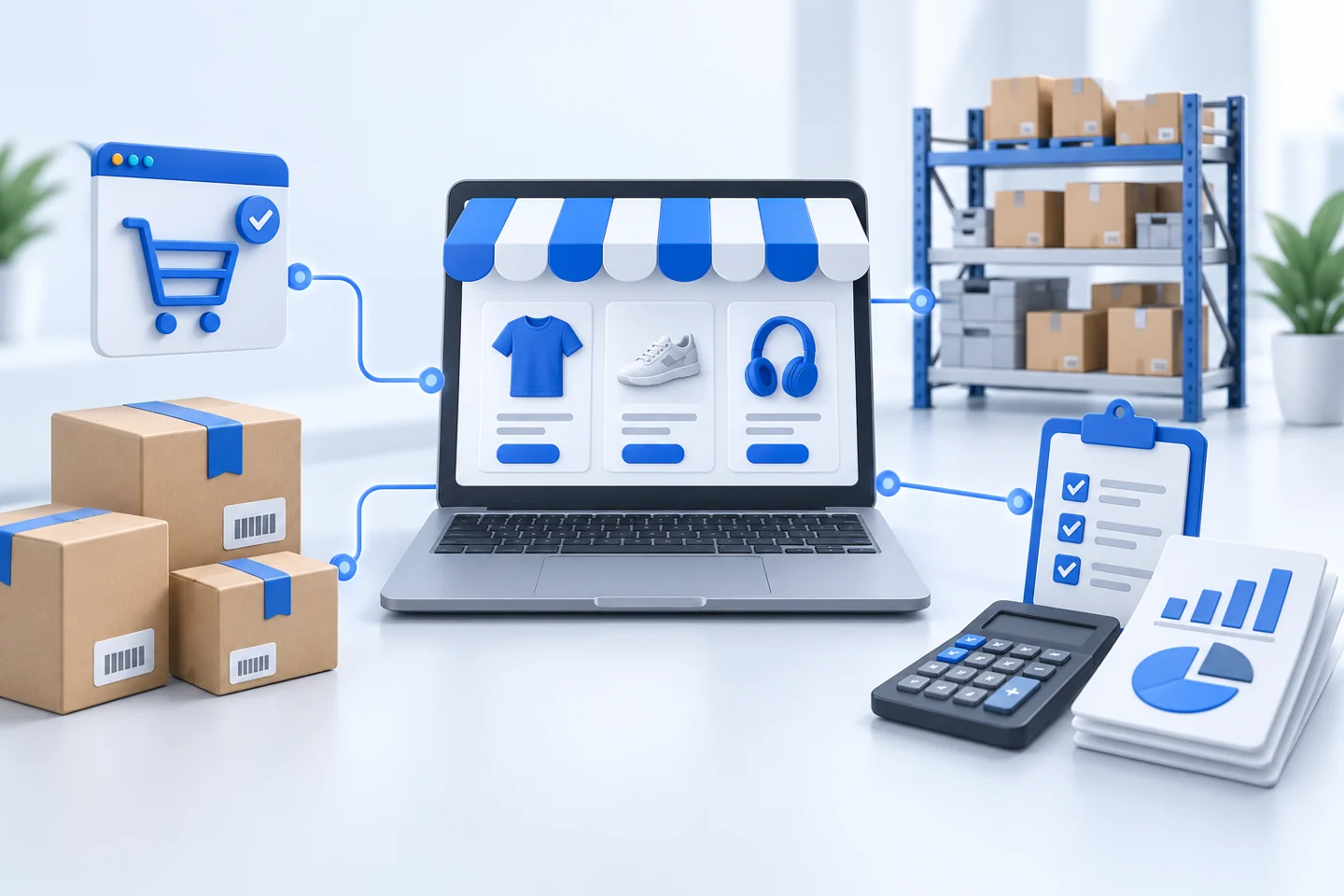
When an online store and a business system hold separate records, teams may need to re-enter orders or reconcile stock manually. A planned integration can exchange agreed information and reduce the work involved in keeping systems aligned.
Define what should move between systems
Start with your business process. Decide which system owns product information, where orders are managed, and how fulfillment and stock changes should be reflected in the store.
“A useful integration starts with clear data ownership.”
Reliable synchronization depends on agreed rules as well as a technical connection.
Information your integration may exchange
Depending on the store and connector, the scope may include:
Product identifiers and agreed product fields
Customer information and online orders
Shared visibility into current business records
Stock availability and fulfillment updates
Confirm connector capabilities and the direction of each data flow before promising that every record will synchronize.
Plan exceptions before going live
Returns, cancellations, duplicate requests, unavailable items, and failed updates need defined handling. Test representative orders and recovery steps before enabling live synchronization.
Putting it into practice
Go Smart System assesses your store, API access, and business rules, then scopes the connector or custom integration needed for your Smart ERPNext implementation.